


Pick a box, write a note
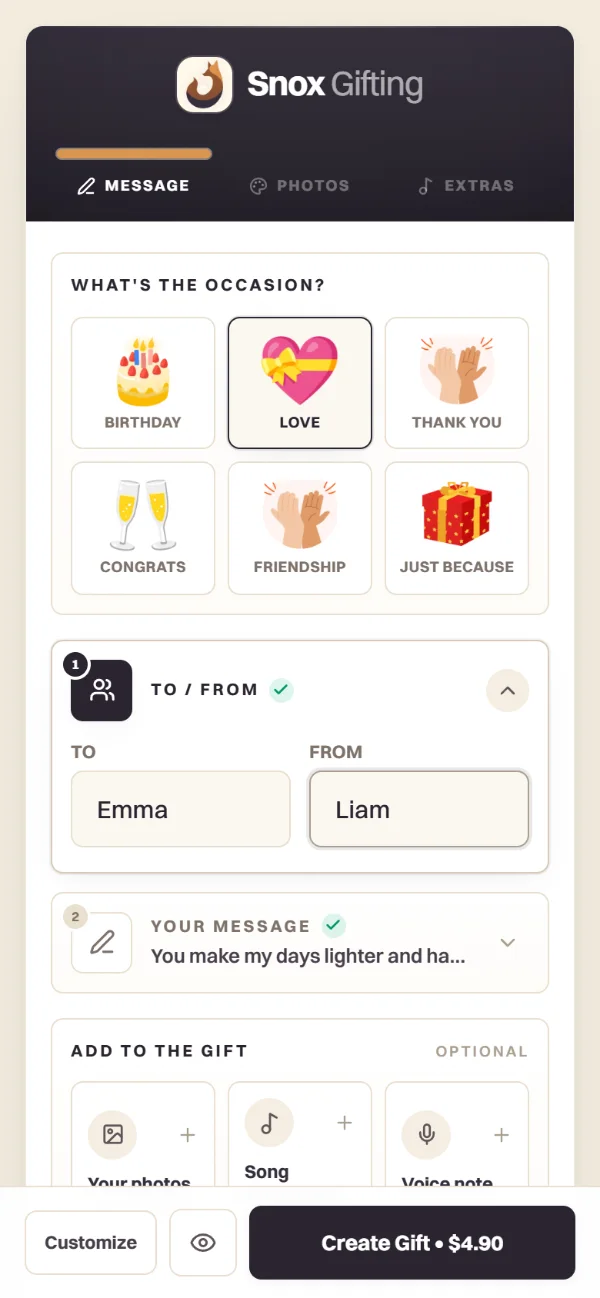
Occasion, names, a message. Photos, a song or your voice if you like.
Snox Gifting lets you create a personalized digital gift with photos, a letter, music and your voice for birthdays, anniversaries or someone far away. Choose an animated box, preview your gift, then share its link or QR code after payment.
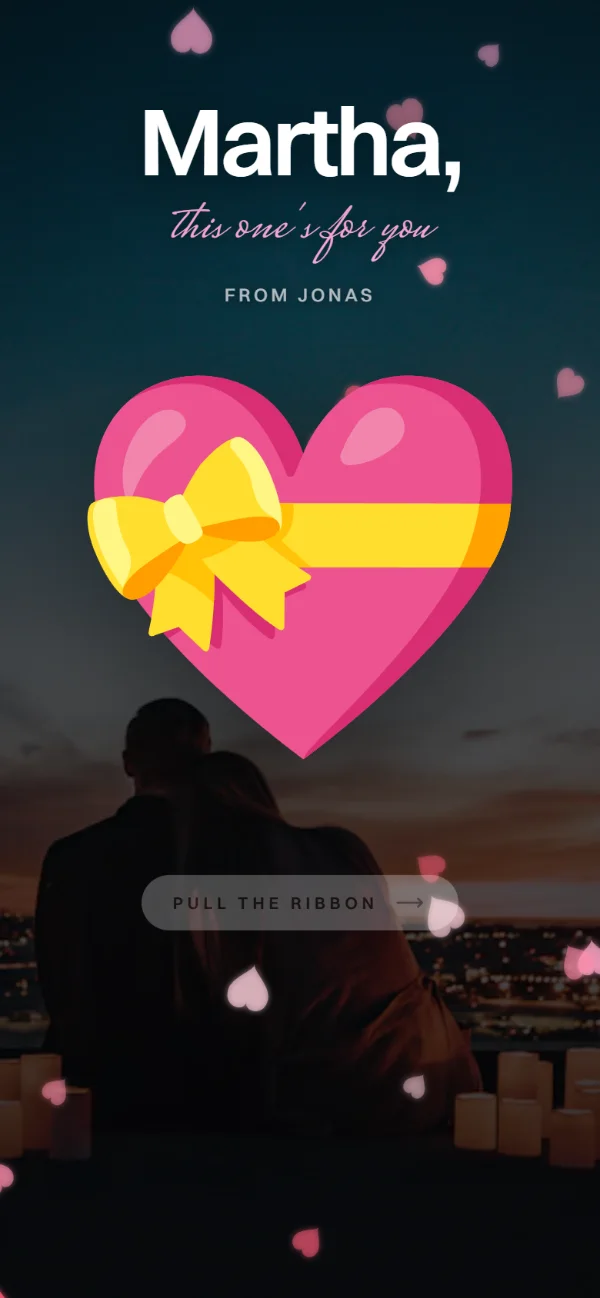
try it, pull the ribbon
Occasion, names, a message. Photos, a song or your voice if you like.

One payment. You get the link and a QR code.
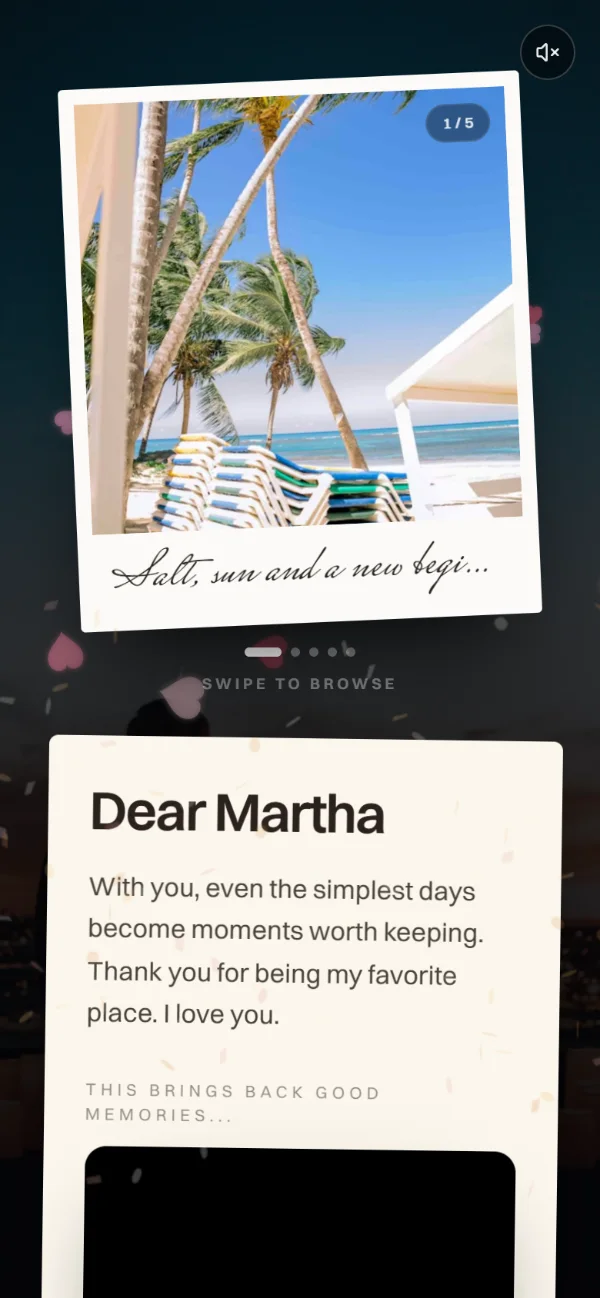
On any phone, no app. The box opens to your photos, letter and voice.
Dear Emma,
With you, even the simplest days become moments worth keeping. Thank you for being my favorite place.
With love,
Liam

One gift. One payment. Made by you.
Or two for $7.90
Make a giftCard, Apple Pay or Google Pay · Secured by Stripe
A Snox digital gift combines your photos, a personal letter, music and a voice message in an animated box. You create and preview it in your browser, then share the gift link or QR code after payment. It is a digital experience, so there is no physical parcel to ship.
You can choose an animated box and add names, a letter, photos with captions, music and an optional voice message. The builder provides a preview before payment. After payment confirmation and publication, you can copy the gift link and download its QR code to share with the recipient.
No app installation is required. The recipient follows the gift link in a browser on their phone or computer. Internet access is needed to load the gift and its media; audio, microphone recording and embedded videos can depend on browser permissions and media availability.
Yes. The builder lets you choose an opening date and time. The recipient sees a countdown before that time. This is a scheduled opening, not an automatic message delivery service: you still need to share the link yourself. Confirm the chosen date and time before completing your gift.
Snox uses a one-time purchase rather than a recurring subscription. Check the gift option, total, currency and available payment methods in checkout before confirming your purchase.
Yes. You can record a voice message in the builder using your browser microphone permission. Recording is optional. Preview your gift before payment to check the message along with the photos, letter and music.
Yes. You can preview the gift and change its photos, text and options before payment. Review the recipient name, letter and any opening schedule before moving to checkout. This preview does not publish the finished gift.
The page displays gift options and the checkout shows the amount and methods available for your purchase. Review those details before payment. Sharing the completed gift depends on payment confirmation and publication; opening the builder alone does not complete a purchase.
Yes. Once the gift is published, copy its link into a WhatsApp message or another messaging app. You can also download the QR code and print it on a card. The QR code leads to the digital gift; the recipient needs an internet connection to load it.
A Snox gift can be shared by link, so you can prepare it for someone in another place. Use photos with a shared story, a personal letter and your voice to make it specific to your relationship. You can send it for a birthday, anniversary or simply to say thank you.